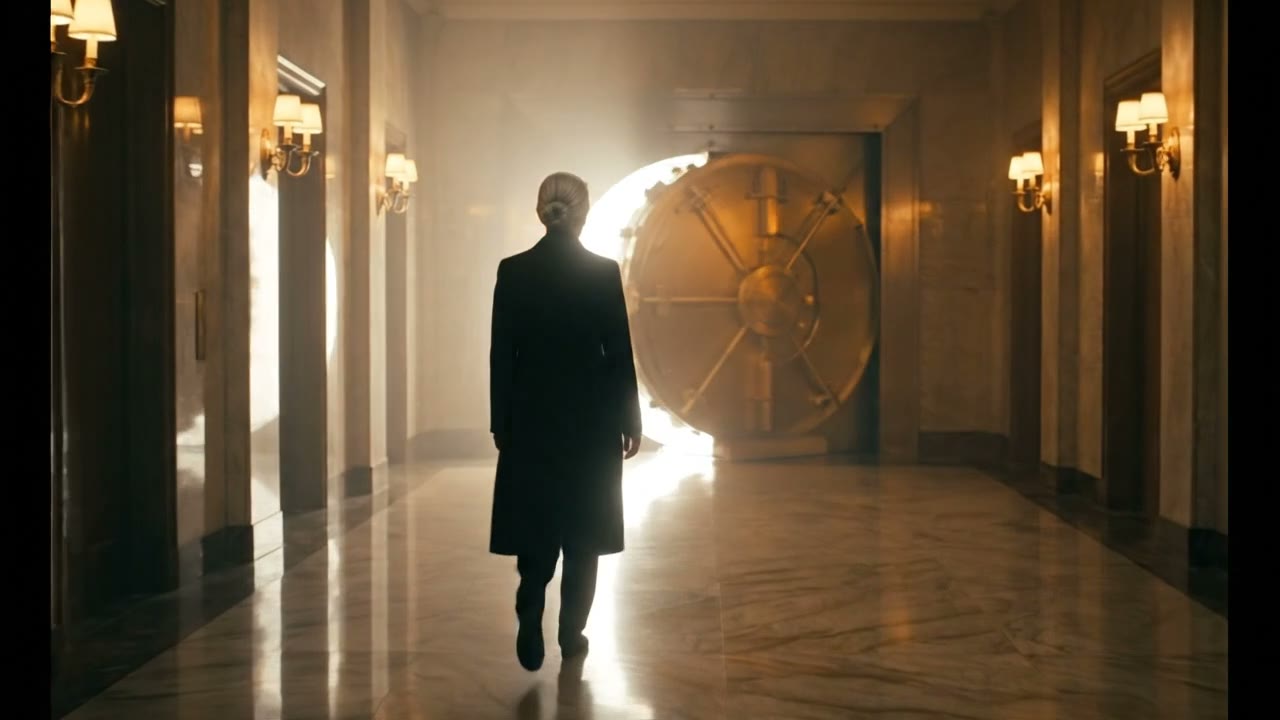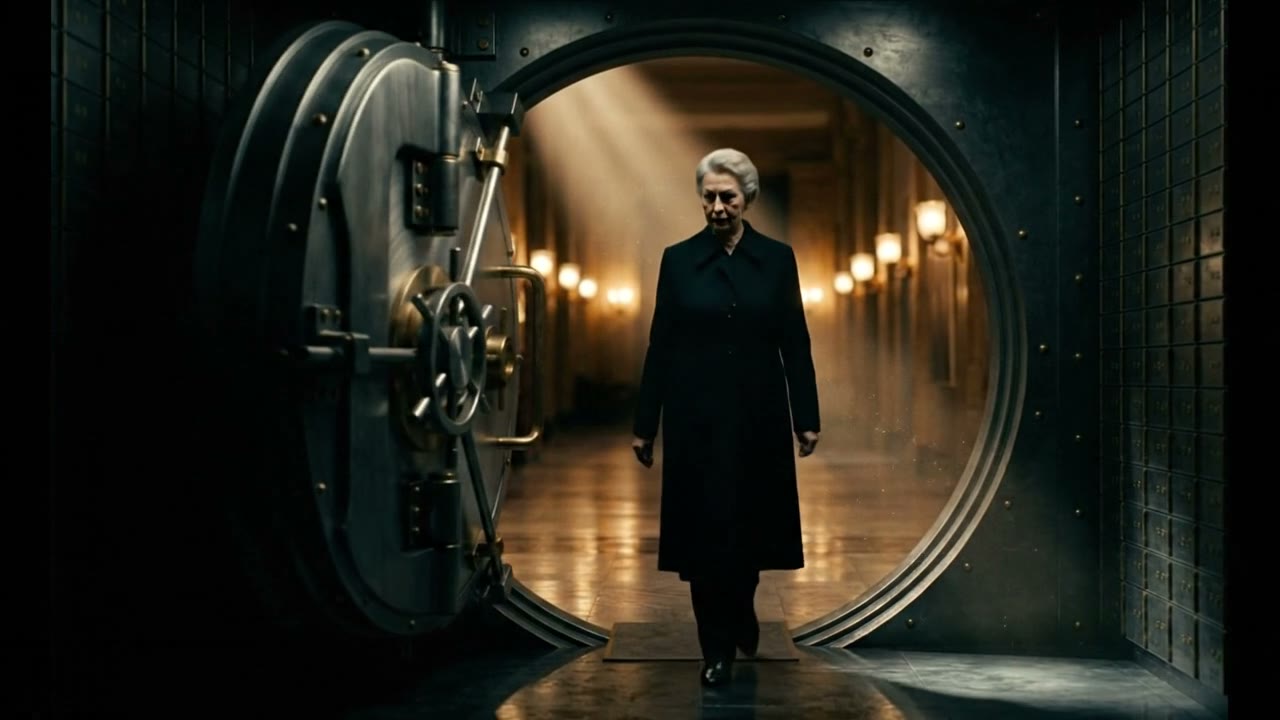


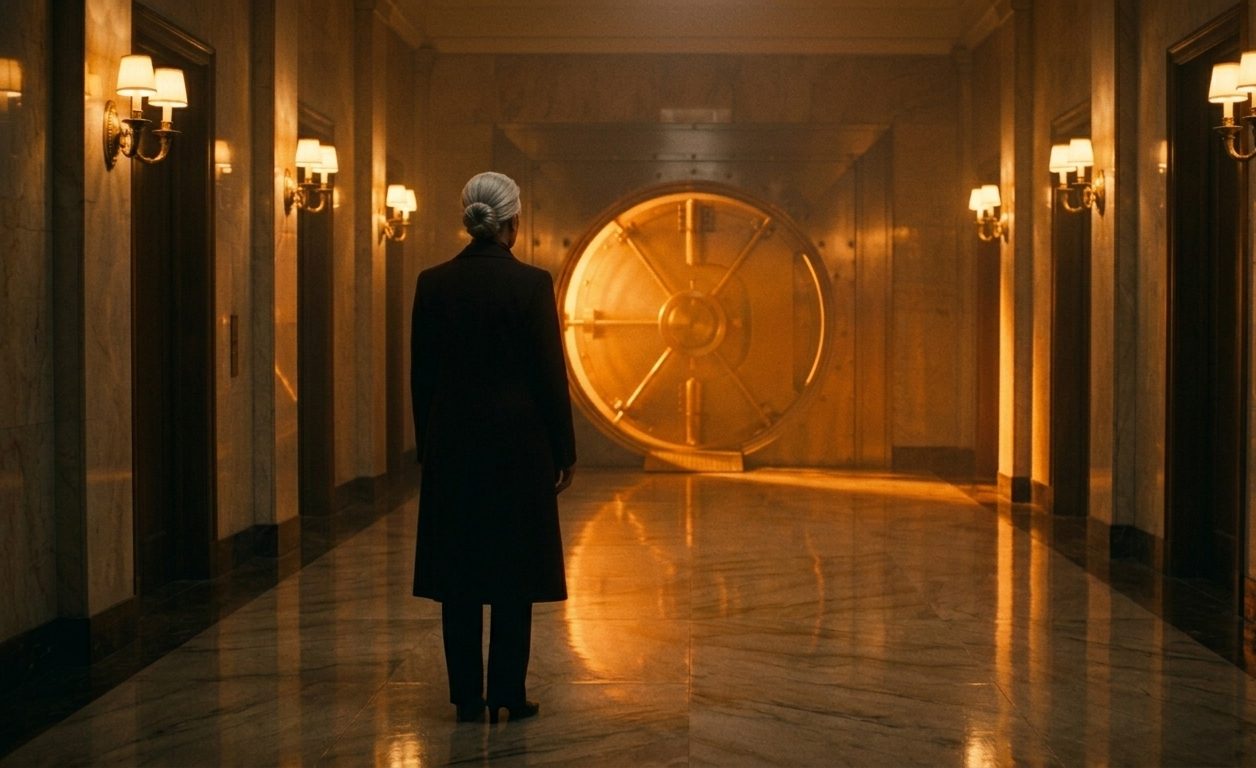
NLE Pipeline
Built for the edit suite
you already use.
Every shot exports with metadata intact — model, cost, camera spec. Premiere, DaVinci, or Final Cut. Your timeline, ready to cut.


Autophocus Pipeline
Shot decomposition
AI generation
Review + approval
Timeline assembly
Premiere ProFCP7 XML
DaVinci ResolveEDL + DRT

Technical Capabilities
Production-grade output.
4K Resolution
Full 4K rendering on every shot. No upscaling.
24–96fps
Standard cinema to high-speed. Match your project spec.
Full Integration
Premiere, DaVinci, Final Cut. Metadata-rich export.
Custom Lighting
Per-shot lighting control. Match your reference.
Camera Control
Focal length, depth of field, movement paths.
Voice Synthesis
Per-character voice. WAV per role, named by character.
Model Library
71 models. One pipeline.
Every shot is auto-routed to the right model. You pick the best result. All generation runs through FAL.AI.
14 models
Text-to-Video
Generate video from a text prompt. The default creation mode for most shots.
Veo 3.1, Sora 2 Pro, Kling O3, LTX 2.3, WAN 2.5
18 models
Image-to-Video
Animate a still frame into motion. Lock your composition, then bring it to life.
Veo 3.1, Sora 2, Kling 3.0, Seedance, Luma, MiniMax
9 models
Video Editing
Modify an existing clip — restyle, relight, swap elements, or refine details.
Kling O3 Edit, Luma Ray 2, Lucy Edit, Grok Imagine, LTX Retake
6 models
Video Extend
Add frames before or after an existing clip. Seamless continuation of any shot.
Veo 3.1 Extend, Kling O3 Extend, MAGI-1, Pixverse
10 models
Audio-to-Video
Drive video from audio input. Talking heads, music-synced visuals, voice-driven animation.
LTX 2.3, WAN Speech, LongCat Avatar, EchoMimic, Stable Avatar
8 models
Lipsync
Match lip movement to dialogue. Per-character voice sync with natural articulation.
Sync 2.0, Kling LipSync, Pixverse, LatentSync, MuseTalk
4 models
Frames-to-Video
Define start and end frames, generate the motion between. Precise control over transitions.
Veo 3.1 Frames, Framepack F1, Framepack Standard, Hunyuan Video
2 models
Reference-to-Video
Feed reference images as style or character guides. Maintain visual consistency across shots.
Veo 3.1 Reference, Veo 3.1 Fast Reference
How It Works
Script to screen.
(01)Upload Script
(02)Generate Assets
(03)Generate Videos
(04)Multi-shot
(05)Review & Assemble